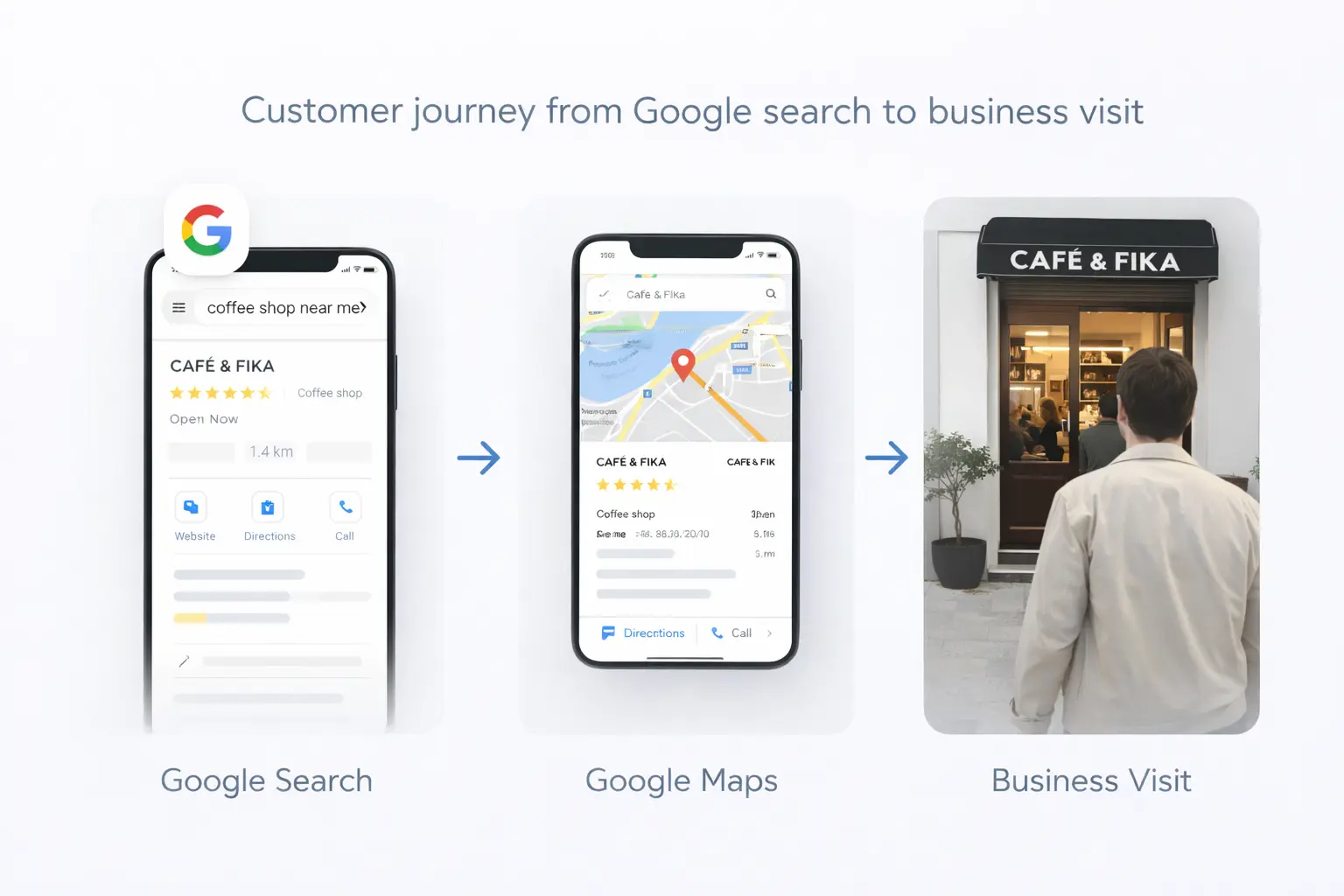
Your website is usually the second thing a customer sees, right after your Google Maps listing. If it loads slowly, looks broken on a phone, or does not make it obvious how to book, that customer goes back to the search results and picks a competitor.
Here are the nine signs we see most often when auditing websites for Prague restaurants, salons, gyms, and service businesses.
Local search behaviour in numbers
Share of consumers, in percent, behind the case for local SEO.
Source: BrightLocal local SEO statistics
1. It Takes More Than 3 Seconds to Load on Mobile
Open your site on your phone using mobile data, not Wi-Fi. Count the seconds until you can read something. Around 53% of mobile visitors abandon a page that takes longer than three seconds to load.
Common causes: huge uncompressed photos, a heavy page builder, too many plugins, and hosting located far from Czech visitors.
2. You Have to Pinch and Zoom
If text is tiny, buttons are hard to tap, or you scroll sideways, your site was designed for desktop. Around 84% of local searches happen on a phone, so the phone version is the real version.
3. There Is No Obvious Way to Contact You
Your phone number should be tappable, visible without scrolling, and repeated at the bottom of every page. Same for your booking link, WhatsApp, or reservation system.
If a visitor has to hunt for your contact details, you have already lost them.
4. Your Address and Opening Hours Are Wrong or Missing
Wrong hours generate bad reviews. Missing addresses hurt your local rankings, because Google cross-checks your website against your Google Business Profile. The name, address, and phone number must match exactly everywhere.
5. Your Google Business Profile Does Not Link to It
Your Maps listing is likely your biggest traffic source. If the website field is empty or points to an old page, you are throwing that traffic away.
6. It Only Exists in One Language
Prague is bilingual in practice. Tourists and expats search in English; locals search in Czech. A single-language site cuts your reachable audience roughly in half.
7. Nothing Has Changed in Two Years
Outdated prices, a closed second location, a 2023 menu, staff who left. Visitors read this as "maybe they are not open anymore."
8. You Cannot Update It Yourself
If changing a price means emailing a developer and waiting a week, your site will always be out of date. You should be able to edit text, photos, and hours yourself in a few minutes.
9. It Does Not Show Up When You Search Your Own Business
Search your business name plus your district. If your own site is not on page one, something is wrong technically—usually missing pages, blocked indexing, or no local content at all.
Should You Fix It or Rebuild It?
Fix it if the structure is sound and the problems are photos, speed, text, or missing contact details. A cleanup often costs a fraction of a rebuild.
Rebuild it if the site is older than five years, built on an abandoned platform, unmaintainable, or if you cannot edit anything without help.
A short audit helps clarify whether a repair or rebuild makes sense. We publish our managed website pricing openly: Starter costs 2,499 CZK, Standard costs 3,499 CZK and Scale costs 4,499 CZK per month. Professional design, hosting, SSL, backups, technical maintenance and ongoing support are included. Outright purchase costs 34,900, 49,900 or 69,900 CZK respectively, with maintenance and support separate. VAT is included in all listed LocalRank prices.
What a Good Local Business Website Actually Needs
It is shorter than most people expect:
- A homepage that says what you do, where you are, and how to book
- A services or menu page with real prices
- Photos of the actual place, not stock images
- An about page with a human face
- A contact page with a map, hours, and a tappable phone number
- Fast loading and clean mobile layout
- Czech and English
That is it. Everything else is optional.
What These Problems Cost in Practice
Website problems rarely arrive as a clear invoice. They show up as unanswered calls, abandoned booking attempts, confused tourists, and customers who choose the next result. That makes them easy to tolerate for too long.
Imagine a salon receives 300 website visits each month. If only ten people leave because the booking button is difficult to find, that could represent several appointments. For a restaurant, an outdated menu or incorrect opening time can lose a whole table and trigger a negative review. For a tradesperson, a slow page can lose an urgent lead before the phone number appears.
The useful question is not whether the current site still opens. Ask whether it helps a new visitor make a confident decision within one minute. A functional but unclear site can be more expensive than a broken one because the loss stays hidden.
Track a few basic signals before deciding what to change:
- How many mobile visitors leave after viewing one page?
- How many website visitors tap the phone, booking, or directions link?
- Which pages receive traffic but produce no enquiries?
- Do callers repeatedly ask questions that the website should answer?
- Do customers mention information that is no longer correct?
These observations turn a subjective redesign discussion into a business decision.
A Simple 30-Minute Website Test
You do not need specialist software for a first review. Open the website in a private browser window on a phone and pretend you have never heard of the business.
Minute 1–5: Understand the offer
Without scrolling, can you identify the service, location, and next step? A heading such as “Professional quality for modern lifestyles” explains nothing. “English-speaking hair salon in Vinohrady” gives a visitor enough context to continue.
Minute 6–10: Complete the main action
Try to make a booking, call, request a quote, or find directions. Count the taps. Check whether the booking page opens properly and whether the phone number uses a clickable link. If the action requires searching through a menu, it needs to be more prominent.
Minute 11–15: Check trust
Look for current reviews, real photos, prices, staff names, company details, and a clear privacy policy. People deciding between similar Prague businesses often use these details to reduce risk.
Minute 16–20: Compare Maps and website details
Check the business name, address, phone, hours, and website link against the Google listing. Our Google Maps visibility guide explains why matching information supports both customer confidence and local search.
Minute 21–25: Test both languages
Switch between Czech and English. Confirm that every important page exists in both languages, navigation does not return to the wrong language, and prices agree. Machine translation can be a starting point, but customer-facing wording should be reviewed by a fluent speaker.
Minute 26–30: Test another device
Ask someone else to repeat the task on a different phone. Do not explain where anything is. Their first attempt is more useful than feedback from people who already know the site.
What to Keep During a Rebuild
A rebuild should not erase assets that already work. Keep the domain unless there is a strong legal or branding reason to change it. Preserve useful page addresses or redirect them to the closest replacement. Save analytics history, customer reviews, original photographs, approved copy, and any pages that already attract enquiries.
Before launch, make a list of every current page. For each one, decide whether to keep it, improve it, merge it, or redirect it. Deleting a page that ranks for a useful search can cause an avoidable traffic drop. If you are planning the project, use our Prague small-business website checklist to cover content, technical setup, and launch checks.
Also clarify ownership. Your business should control the domain registration, analytics account, business listing, and essential content. A provider can manage them, but you should retain access.
How to Prioritize the Work
Not every issue deserves an immediate rebuild. Use this order:
- Fix information that can harm customers. Correct hours, address, phone, prices, safety information, and broken booking links first.
- Remove mobile blockers. Repair sideways scrolling, unreadable text, intrusive pop-ups, and controls that cannot be tapped.
- Improve the main conversion path. Make the primary action visible and reduce unnecessary steps.
- Improve speed. Compress large images, remove unused tools, and measure the actual mobile experience.
- Strengthen local relevance. Add the district, transport information, consistent contact details, and useful local context.
- Refresh visual design. Once the journey works, update typography, spacing, photography, and brand details.
This order protects revenue before spending time on appearance. If several structural issues appear together, compare repair costs with a replacement. Our Prague website cost guide explains realistic budget ranges and what changes the final price.
Frequently Asked Questions
How long does a new website take?
For a small business site, typically two to three weeks from content handover to launch.
Will a new website improve my Google rankings?
It helps, especially for speed and mobile usability, but rankings in local search are driven mostly by your Google Business Profile, reviews, and citations. A website supports that work rather than replacing it.
Can I keep my current domain?
Yes, and you should. Keeping your domain preserves whatever search history and links you already have.
Do I need a booking system?
Only if you take bookings. For most restaurants and salons, linking to the system you already use is enough.
Not Sure Where You Stand?
Get a free audit and we will tell you honestly whether your site needs a rebuild, a cleanup, or nothing at all. No pressure either way.
Sources
- BrightLocal — Local SEO statistics (mobile share of local search, three-second abandonment, review behaviour)
- Think with Google — consumer local search behaviour
- Google web.dev — Core Web Vitals and page speed